
이미지 및 앱 내 아이콘
이미지 및 앱 내 아이콘
데스크톱용 Compose Multiplatform은 다른 플랫폼과 마찬가지로 멀티플랫폼 리소스(multiplatform resources) 라이브러리에서 이미지를 로드합니다. 데스크톱 애플리케이션은 또한 JVM API를 사용하여 파일 시스템이나 네트워크에서 이미지를 읽고, 이를 창 및 트레이 아이콘으로 사용할 수 있습니다.
undefined
이 페이지의 예제에서는 Kotlin 및 Compose Multiplatform 로고를 사용합니다. 두 로고 모두 Kotlin 브랜드 자산(Kotlin Brand Assets) 패키지의 일부로 제공됩니다.
리소스에서 이미지 표시하기
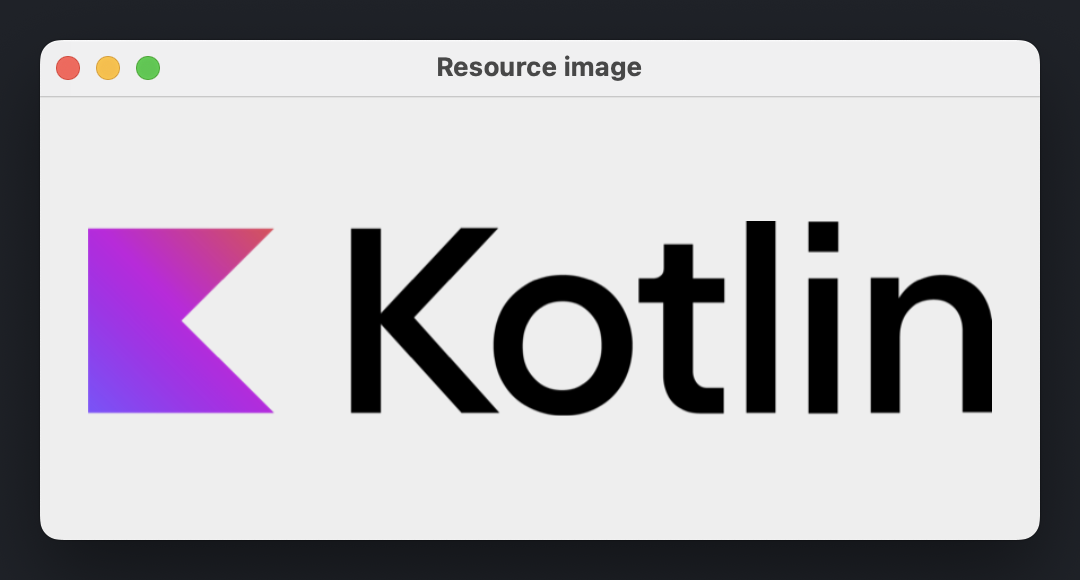
애플리케이션에 포함된 이미지를 표시하려면, 프로젝트의 멀티플랫폼 리소스에 추가하고 프로젝트를 빌드하여 리소스 접근자(accessor)를 생성하세요. 접근자를 painterResource()에 전달하여 Painter 인스턴스를 생성하고, 결과로 나온 Painter를 Image() 컴포저블에 전달합니다.
import androidx.compose.foundation.Image
import androidx.compose.foundation.layout.fillMaxSize
import androidx.compose.foundation.layout.padding
import androidx.compose.ui.Modifier
import androidx.compose.ui.unit.DpSize
import androidx.compose.ui.unit.dp
import androidx.compose.ui.window.Window
import androidx.compose.ui.window.WindowState
import androidx.compose.ui.window.application
import org.jetbrains.compose.resources.painterResource
import com.example.composeapp.generated.resources.Res
import com.example.composeapp.generated.resources.kotlin_logo

fun main() = application {
    Window(
        onCloseRequest = ::exitApplication,
        title = "Resource image",
        state = WindowState(size = DpSize(500.dp, 250.dp))
    ) {
        Image(
            painter = painterResource(Res.drawable.kotlin_logo),
            contentDescription = "Kotlin logo",
            modifier = Modifier.fillMaxSize().padding(24.dp)
        )
    }
}
painterResource()는 .png, .jpg, .bmp, .webp와 같은 래스터화된 이미지 형식뿐만 아니라 Android XML 벡터 드로어블(vector drawable) 형식도 지원합니다. 리소스를 ImageBitmap 또는 ImageVector 값으로 액세스하는 방법과 아이콘, 폰트, 문자열 사용에 대한 자세한 내용은 앱에서 멀티플랫폼 리소스 사용하기를 참조하세요.
리소스는 반드시 common 소스 세트에 저장될 필요는 없습니다. 모든 소스 세트나 모듈은 자체
composeResources디렉토리를 사용할 수 있으므로, 데스크톱 애플리케이션 전용 이미지를 데스크톱 관련 코드 옆에 저장할 수 있습니다.다른 모듈에 선언된 리소스를 사용하려면, 해당 모듈의 생성된
Res클래스를 public으로 설정하세요.
파일 시스템이나 네트워크에서 이미지 로드하기
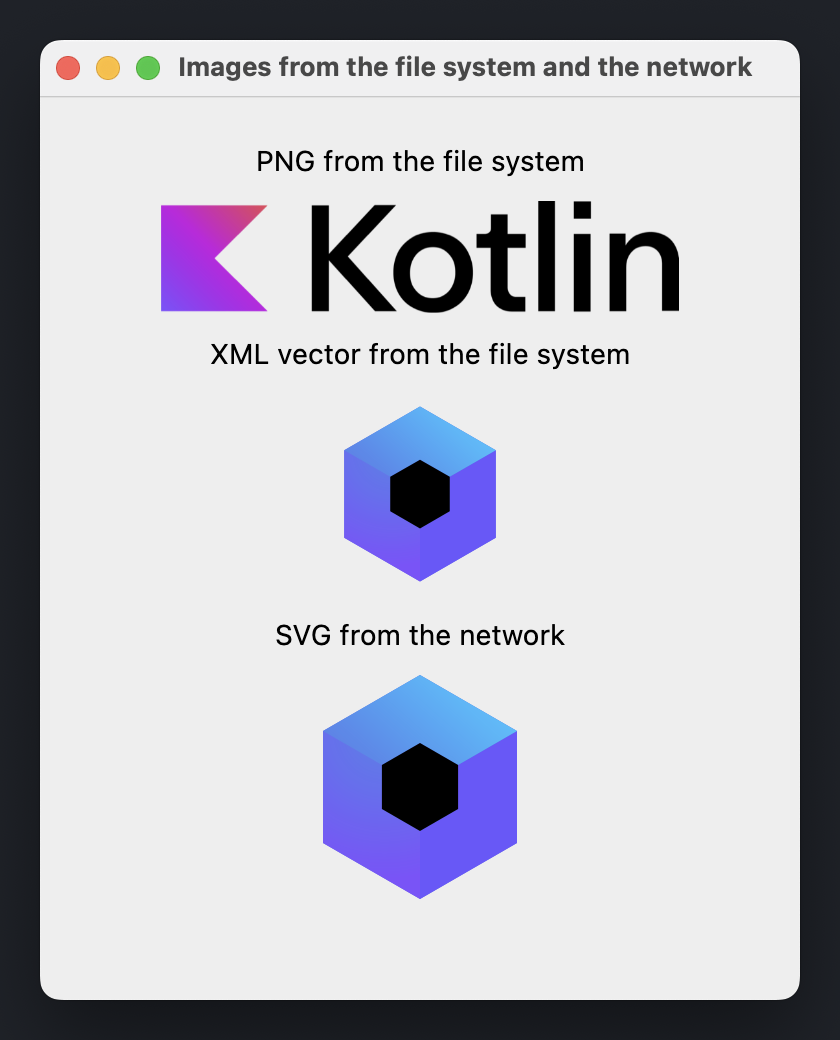
애플리케이션의 일부가 아닌 이미지(사용자가 선택한 파일이나 런타임에 다운로드한 파일)는 리소스가 아닙니다. 모든 JVM API를 사용하여 해당 바이트를 읽고, 리소스 라이브러리의 다음 함수 중 하나를 사용하여 디코딩하세요.
| 이미지 형식 | 디코딩 함수 | 결과 |
|---|---|---|
| 비트맵 (Bitmap) | decodeToImageBitmap() | ImageBitmap |
| XML 벡터 (XML vector) | decodeToImageVector() | ImageVector |
| SVG | decodeToSvgPainter() | Painter |
파일이나 네트워크 응답을 읽는 작업은 호출 스레드를 차단하므로, 항상 UI 스레드 외부에서 이러한 작업을 수행하세요.
다음 예제는 Dispatchers.IO 컨텍스트에서 이미지를 로드하고 준비가 되면 이미지를 표시하는 AsyncImage() 컴포저블을 선언합니다.
import androidx.compose.foundation.Image
import androidx.compose.foundation.layout.Arrangement
import androidx.compose.foundation.layout.Column
import androidx.compose.foundation.layout.fillMaxSize
import androidx.compose.foundation.layout.padding
import androidx.compose.foundation.layout.width
import androidx.compose.material.Text
import androidx.compose.runtime.Composable
import androidx.compose.runtime.getValue
import androidx.compose.runtime.produceState
import androidx.compose.runtime.remember
import androidx.compose.ui.Alignment
import androidx.compose.ui.Modifier
import androidx.compose.ui.graphics.painter.BitmapPainter
import androidx.compose.ui.graphics.painter.Painter
import androidx.compose.ui.graphics.vector.rememberVectorPainter
import androidx.compose.ui.layout.ContentScale
import androidx.compose.ui.platform.LocalDensity
import androidx.compose.ui.unit.DpSize
import androidx.compose.ui.unit.dp
import androidx.compose.ui.window.Window
import androidx.compose.ui.window.WindowState
import androidx.compose.ui.window.application
import kotlinx.coroutines.Dispatchers
import kotlinx.coroutines.withContext
import org.jetbrains.compose.resources.decodeToImageBitmap
import org.jetbrains.compose.resources.decodeToImageVector
import org.jetbrains.compose.resources.decodeToSvgPainter
import java.io.File
import java.io.IOException
import java.net.URI

fun main() = application {
    val density = LocalDensity.current
    Window(
        onCloseRequest = ::exitApplication,
        title = "Images from the file system and the network",
        state = WindowState(size = DpSize(380.dp, 480.dp))
    ) {
        Column(
            modifier = Modifier.fillMaxSize().padding(24.dp),
            verticalArrangement = Arrangement.spacedBy(12.dp),
            horizontalAlignment = Alignment.CenterHorizontally
        ) {
            Text("PNG from the file system")
            AsyncImage(
                load = { File("kotlin-logo.png").readBytes().decodeToImageBitmap() },
                painterFor = { remember { BitmapPainter(it) } },
                contentDescription = "Kotlin logo",
                modifier = Modifier.width(260.dp)
            )
            Text("XML vector from the file system")
            AsyncImage(
                load = { File("compose-logo.xml").readBytes().decodeToImageVector(density) },
                painterFor = { rememberVectorPainter(it) },
                contentDescription = "Compose Multiplatform logo",
                contentScale = ContentScale.FillWidth,
                modifier = Modifier.width(100.dp)
            )
            Text("SVG from the network")
            AsyncImage(
                load = { loadBytes(COMPOSE_LOGO_URL).decodeToSvgPainter(density) },
                painterFor = { it },
                contentDescription = "Compose Multiplatform logo",
                contentScale = ContentScale.FillWidth,
                modifier = Modifier.width(100.dp)
            )
        }
    }
}

private const val COMPOSE_LOGO_URL =
    "https://github.com/JetBrains/compose-multiplatform/raw/master/artwork/compose-logo.svg"

fun loadBytes(url: String): ByteArray =
    URI(url).toURL().openStream().use { it.readBytes() }

@Composable
fun <T> AsyncImage(
    load: suspend () -> T,
    painterFor: @Composable (T) -> Painter,
    contentDescription: String,
    modifier: Modifier = Modifier,
    contentScale: ContentScale = ContentScale.Fit
) {
    val image: T? by produceState<T?>(null) {
        value = withContext(Dispatchers.IO) {
            try {
                load()
            } catch (e: IOException) {
                // Instead of printing to the console, you can log the error
                // or show a placeholder image.
                e.printStackTrace()
                null
            }
        }
    }

    if (image != null) {
        Image(
            painter = painterFor(image!!),
            contentDescription = contentDescription,
            contentScale = contentScale,
            modifier = modifier
        )
    }
}
예제의 파일 경로는 애플리케이션의 작업 디렉토리(working directory)를 기준으로 해석됩니다.
원격 이미지를 직접 로드하는 대신 전용 이미지 로딩 라이브러리를 사용할 수 있습니다.
창 아이콘 설정하기
이미지를 창 아이콘으로 사용하려면 Painter 인스턴스를 Window() 컴포저블의 icon 파라미터로 전달하세요.
import androidx.compose.foundation.layout.Box
import androidx.compose.foundation.layout.fillMaxSize
import androidx.compose.ui.Modifier
import androidx.compose.ui.draw.paint
import androidx.compose.ui.layout.ContentScale
import androidx.compose.ui.unit.DpSize
import androidx.compose.ui.unit.dp
import androidx.compose.ui.window.Window
import androidx.compose.ui.window.WindowState
import androidx.compose.ui.window.application
import org.jetbrains.compose.resources.painterResource
import com.example.composeapp.generated.resources.Res
import com.example.composeapp.generated.resources.compose_logo

fun main() = application {
    val icon = painterResource(Res.drawable.compose_logo)

    Window(
        onCloseRequest = ::exitApplication,
        title = "Window icon",
        icon = icon,
        state = WindowState(size = DpSize(400.dp, 300.dp))
    ) {
        Box(Modifier.fillMaxSize().paint(icon, contentScale = ContentScale.Fit))
    }
}
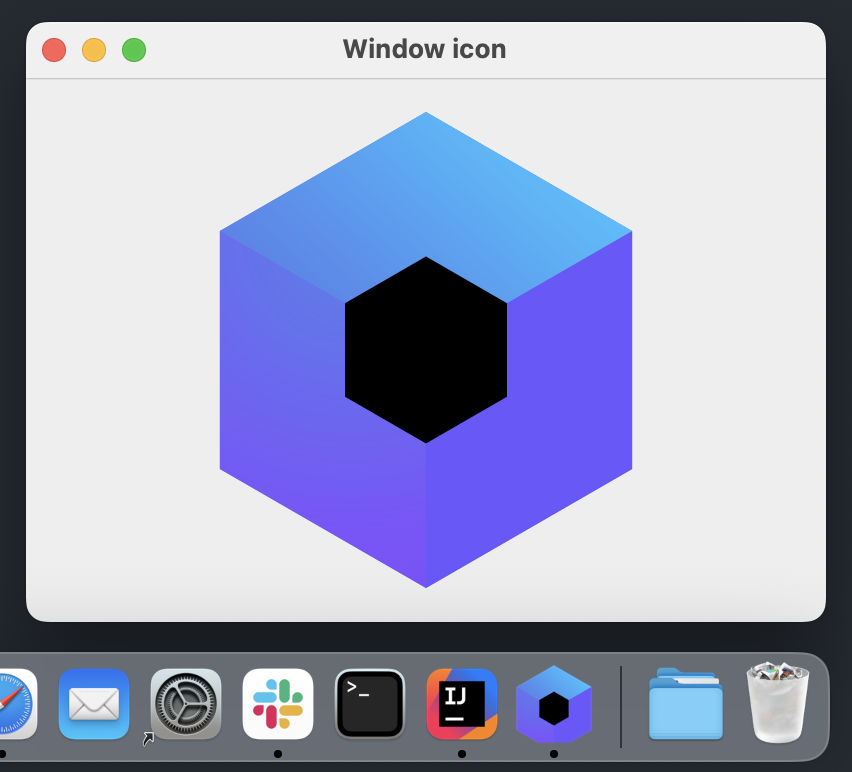
아이콘의 위치는 운영체제에 따라 다릅니다.
- Windows 및 Linux에서는 창 아이콘과 작업 표시줄 항목의 아이콘으로 표시됩니다.
- macOS에서는 애플리케이션 아이콘이 애플리케이션 번들에서 가져와집니다. Dock의 아이콘을 변경하려면 배포 구성(distribution configuration)에서 설정하세요.
다음 스크린샷은 macOS에서 패키징된 애플리케이션을 보여줍니다. 창에는 icon 파라미터에 전달된 것과 동일한 이미지가 표시되는 반면, Dock 아이콘은 배포 구성에 선언된 .icns 파일에서 가져옵니다.
단일 창 애플리케이션 아이콘
singleWindowApplication() 함수는 컴포지션(composition) 외부에서 icon 파라미터를 평가하므로 painterResource()를 사용할 수 없습니다. 대신 composeResources 디렉토리 내의 파일 경로를 받는 Res.readBytes()를 사용하여 리소스를 읽고, 이를 BitmapPainter로 디코딩하세요.
import androidx.compose.material.Text
import androidx.compose.ui.graphics.painter.BitmapPainter
import androidx.compose.ui.window.singleWindowApplication
import kotlinx.coroutines.runBlocking
import org.jetbrains.compose.resources.decodeToImageBitmap
import com.example.composeapp.generated.resources.Res

fun main() {
    val iconBytes = runBlocking { Res.readBytes("drawable/kotlin-logo.png") }
    val icon = BitmapPainter(iconBytes.decodeToImageBitmap())

    singleWindowApplication(icon = icon, title = "Single window icon") {
        Text("Hello, World!")
    }
}
트레이 아이콘 설정하기
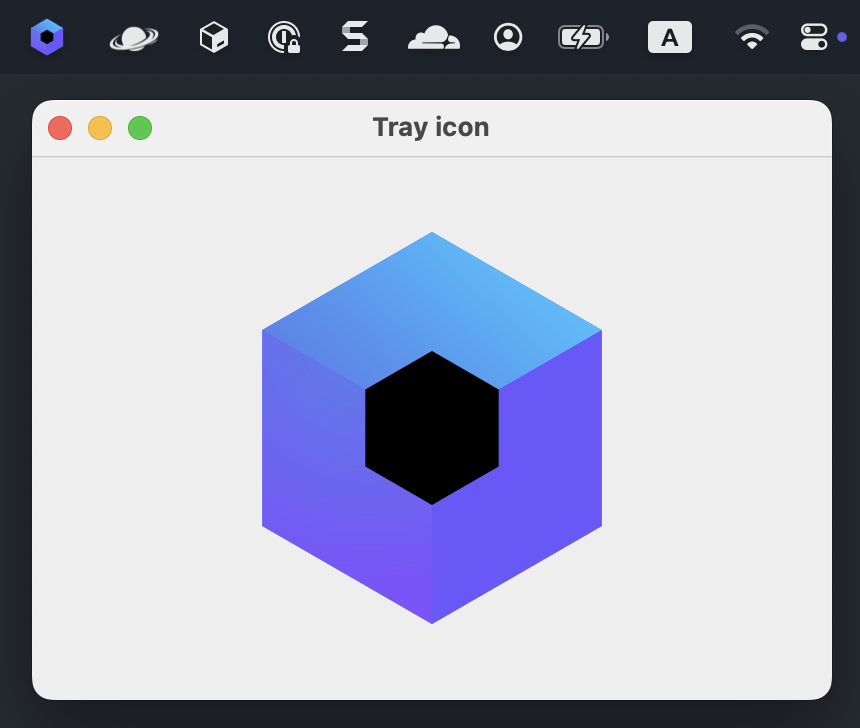
이미지를 트레이(tray) 아이콘으로 사용하려면 Painter 인스턴스를 Tray() 컴포저블의 icon 파라미터로 전달하세요.
import androidx.compose.foundation.Image
import androidx.compose.foundation.layout.Box
import androidx.compose.foundation.layout.fillMaxSize
import androidx.compose.foundation.layout.padding
import androidx.compose.ui.Modifier
import androidx.compose.ui.unit.DpSize
import androidx.compose.ui.unit.dp
import androidx.compose.ui.window.Tray
import androidx.compose.ui.window.Window
import androidx.compose.ui.window.WindowState
import androidx.compose.ui.window.application
import com.example.composeapp.generated.resources.Res
import com.example.composeapp.generated.resources.compose_logo
import org.jetbrains.compose.resources.painterResource

fun main() = application {
  val icon = painterResource(Res.drawable.compose_logo)

  Tray(
    icon = icon,
    tooltip = "Compose Multiplatform",
    menu = {
      Item("Exit", onClick = ::exitApplication)
    }
  )

  Window(
    onCloseRequest = ::exitApplication,
    title = "Tray icon",
    icon = icon,
    state = WindowState(size = DpSize(400.dp, 300.dp))
  ) {
    Box(modifier = Modifier.fillMaxSize().padding(24.dp)) {
      Image(
        painter = icon,
        contentDescription = "Compose Multiplatform logo",
        modifier = Modifier.fillMaxSize()
      )
    }
  }
}
macOS에서는 트레이 아이콘이 메뉴 막대에 표시됩니다.
다음 단계
- 멀티플랫폼 리소스와 공통 코드에서 리소스에 액세스하는 방법에 대해 자세히 알아보세요.
- 시스템 트레이에 애플리케이션 아이콘을 추가하는 방법을 알아보세요.
- 플랫폼별 애플리케이션 아이콘으로 네이티브 배포판을 생성하는 방법을 알아보세요.
- 다른 데스크톱 컴포넌트에 대한 튜토리얼을 살펴보세요.